
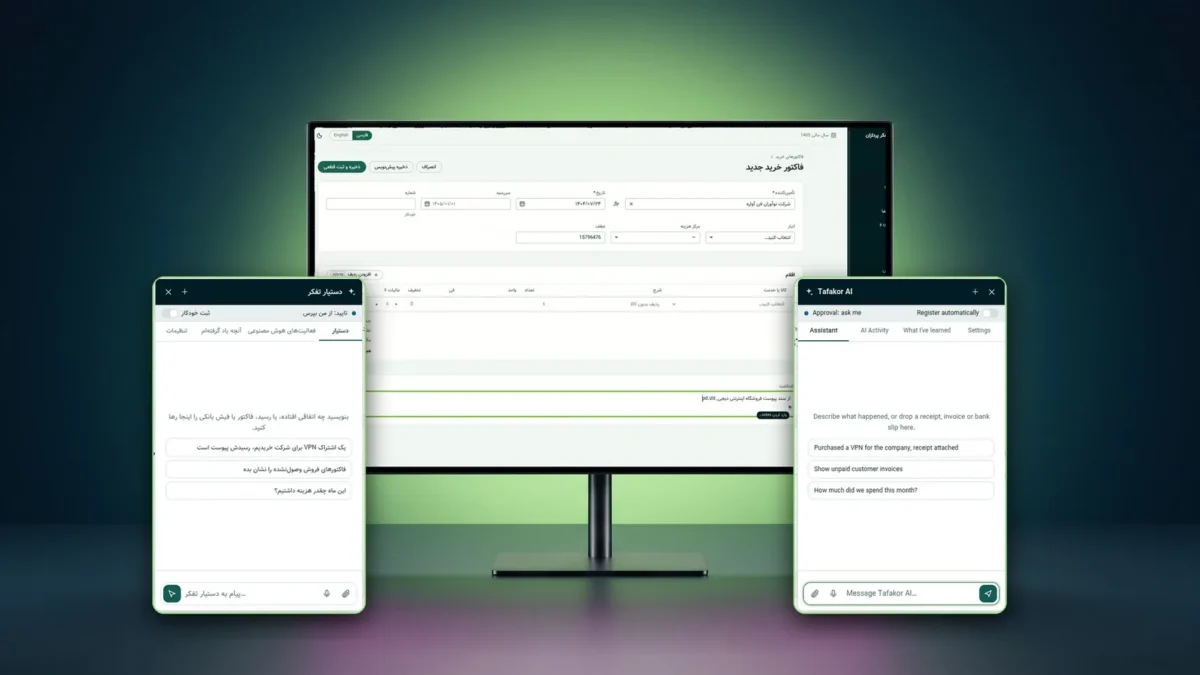
Tafakor Pardazan AI Assistant: A Digital Employee for Business Software
An AI-powered digital employee that turns a natural-language request into real work in the software, using a visible mouse pointer on the interface of Tafakor Pardazan Accounting.
Tafakor Pardazan’s AI assistant works as a digital employee: it turns a Persian request into real work inside accounting software.
AI assistant: details and key features
The problem: accounting work is full of repetitive steps
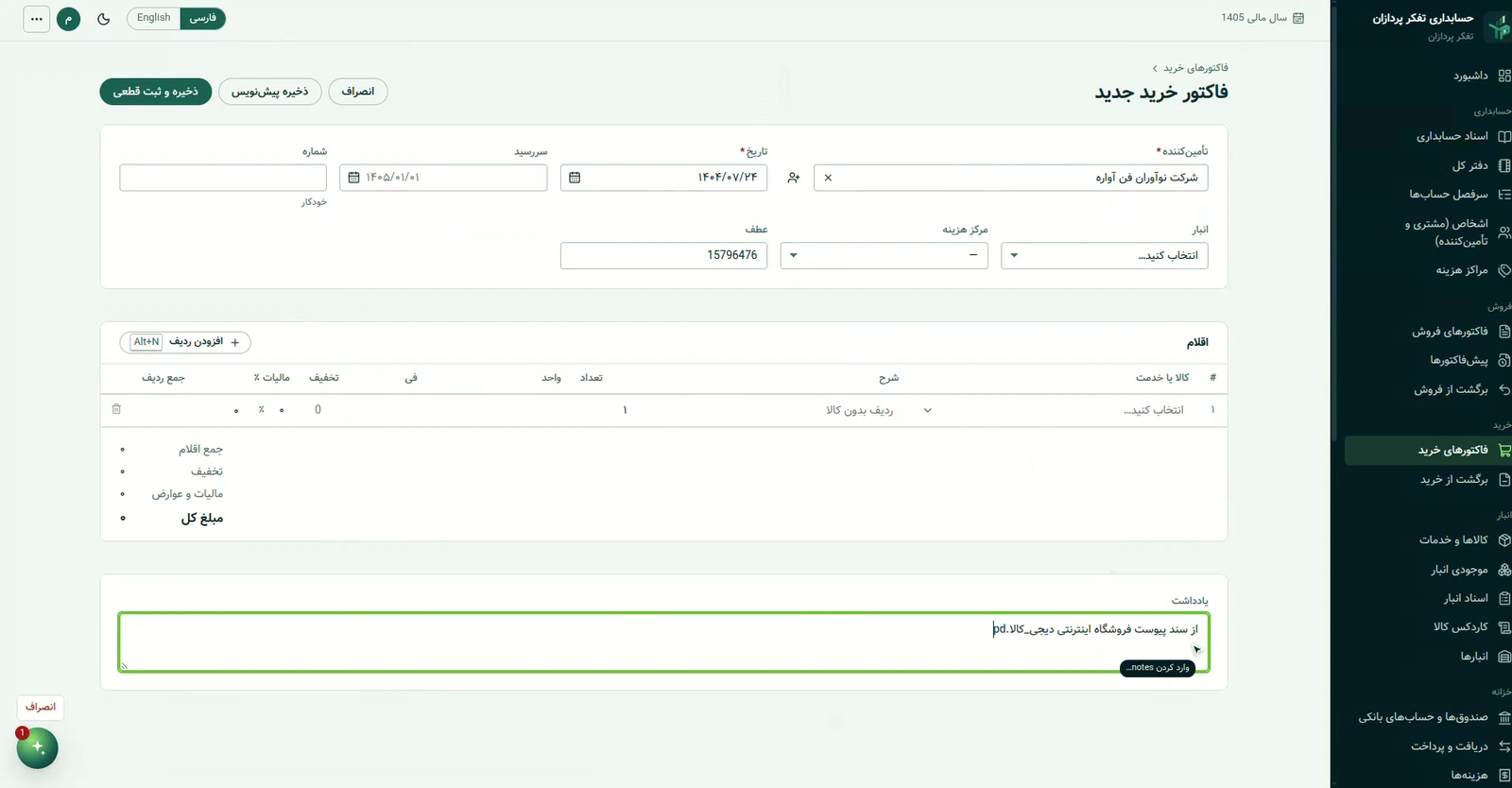
Every accounting entry starts with a simple sentence, like “register this purchase invoice”, but finishing it means opening several screens, finding or creating the supplier and filling in dozens of fields. Chatbots can explain these steps, but they do not carry them out.
The solution: a digital employee inside the software
Tafakor Pardazan AI Assistant is an independent product that understands a natural request, turns it into a reviewable plan, and does the work in the real interface of the software. Read the product page
It understands
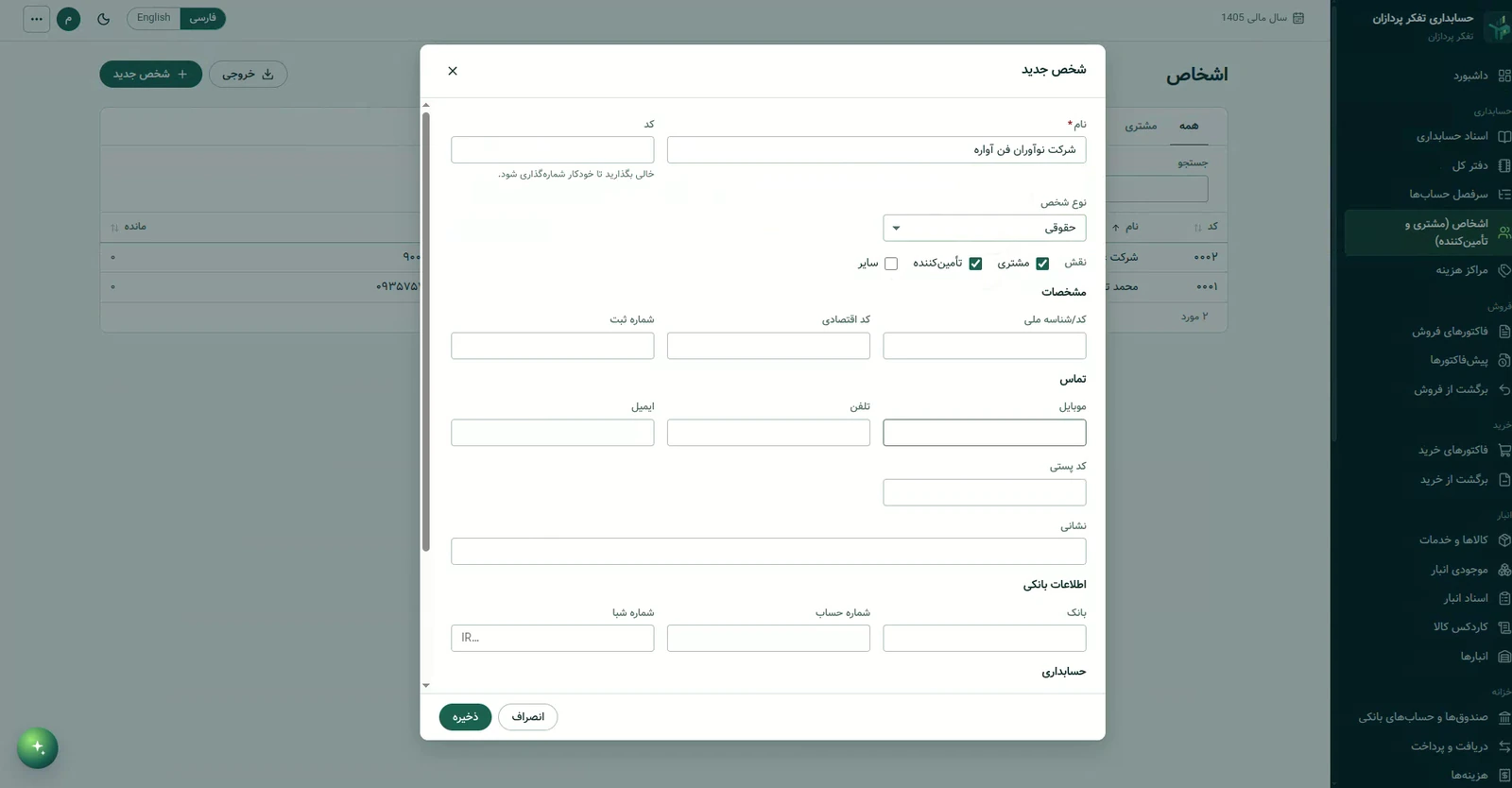
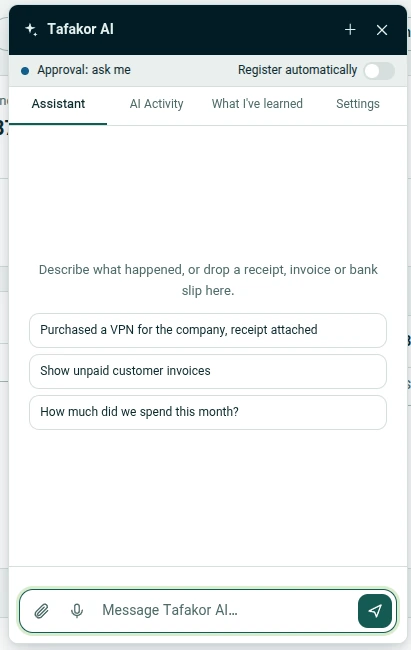
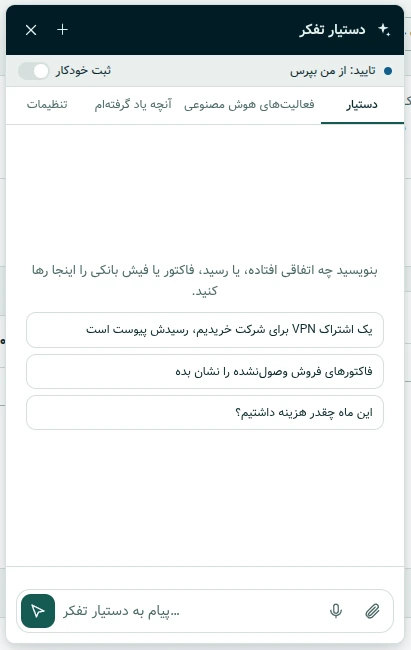
It reads Persian text, documents (receipts, invoices, bank slips) and, where enabled, voice, identifies the business domain, and matches the request to the company’s real parties and accounts.
It works on screen
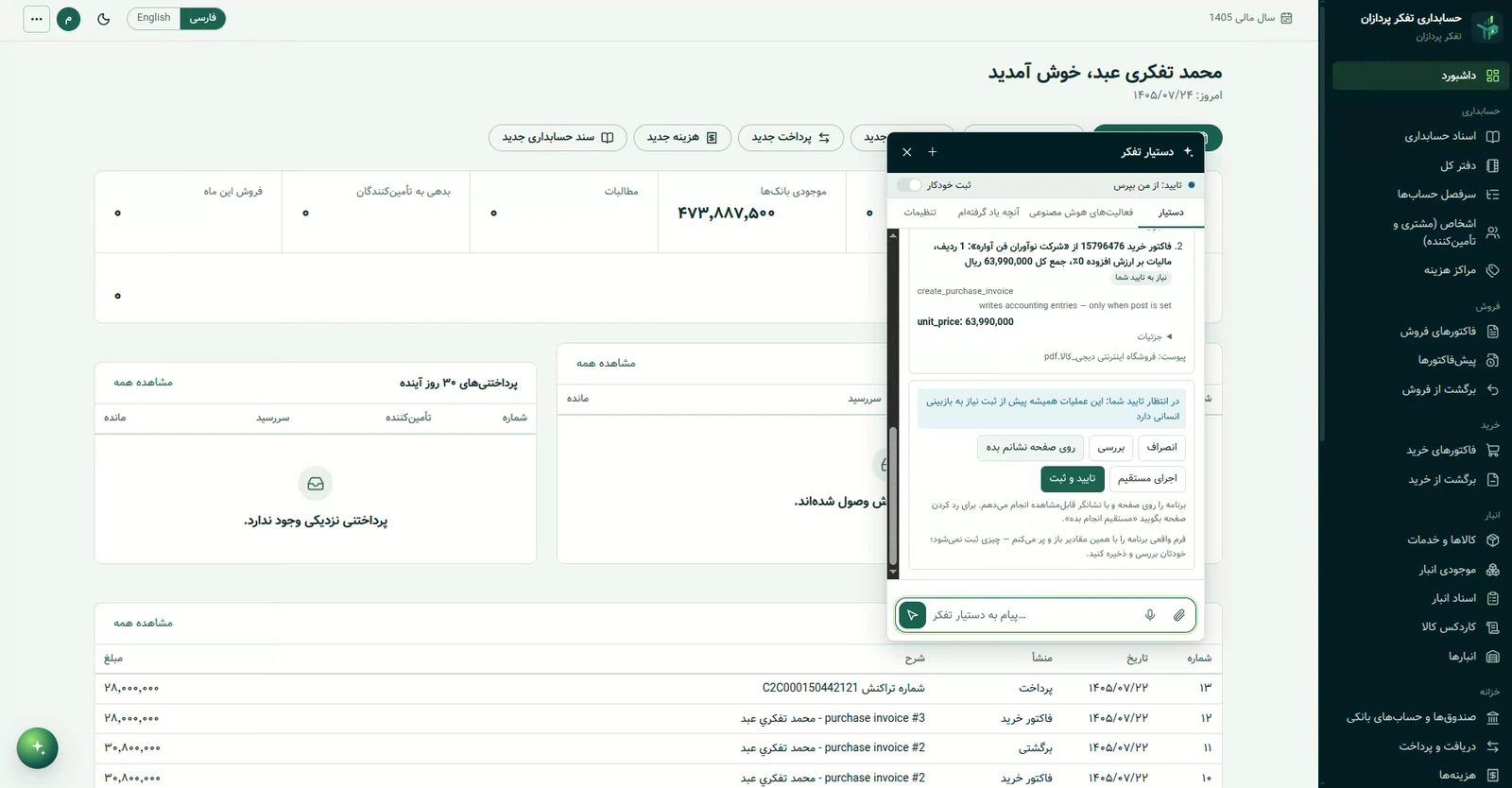
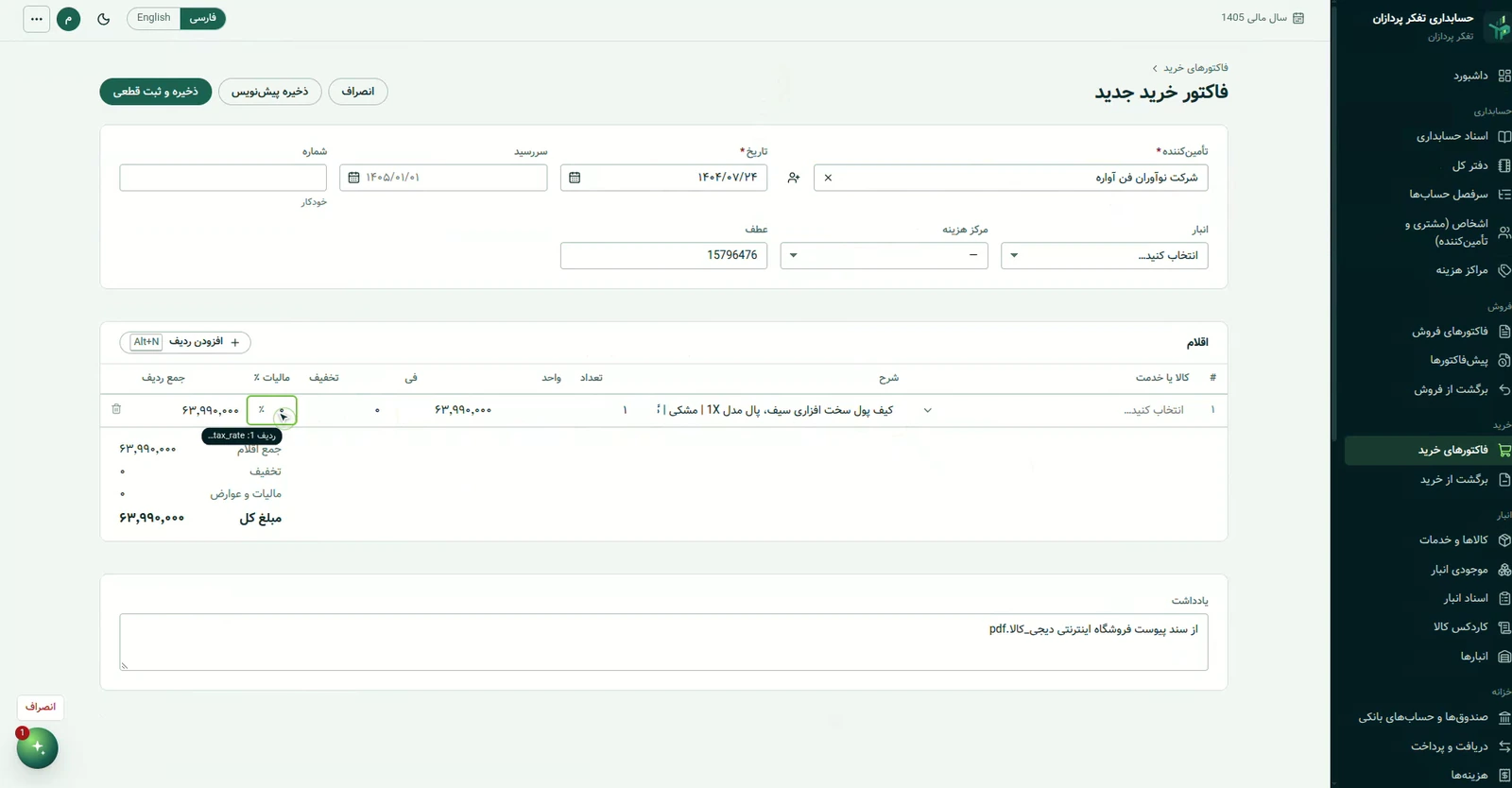
It moves a visible mouse pointer across the real interface, clicks and fills in fields; or, where supported and authorized, it executes directly through the application’s services.
Controlled and reviewable
It asks for approval before registering (the default), reads the result back from the application, and records every action with before and after values.
The mouse pointer: what sets an agent apart from a chatbot
In this project the mouse is visible: the user can follow the pointer and the assistant’s actions on screen. This is the default, and direct execution is the second option where the application supports it. How a task runs depends on the workflow, the user’s permissions and the available tools.
Inside Tafakor Pardazan Accounting
The assistant’s current deployment is in Tafakor Pardazan Accounting, a web-based double-entry accounting system. The assistant and the accounting system are separate products: the assistant is an independent product that now works inside this software, and its architecture is designed to extend to other applications (no other integration is offered today).
Technical details (from the project’s code)
- Architecture: a browser widget (TypeScript, Shadow DOM) and a Go service with its own SQLite store; the service calls the accounting API with the user’s own session and permissions.
- Models: calls are made server-side through OpenRouter, and the key never reaches the browser.
- UI agent: language-independent tags and an app map; targeting by tags, then accessibility, then vision; drivers for React inputs, combo boxes and the Jalali date field; every step is verified.
- Safety: a deterministic policy engine (not the model) decides the approval mode; approval tokens are single-use and bound to the exact request; tools are an allowlist; Undo and an activity log.
- Coverage: more than 200 application operations identified from the code; sensitive operations always require human approval.
- Testing: service unit and integration tests, widget tests and browser end-to-end tests.
Related projects and services
Related work: TP Call and TP Accounting. This work belongs to our Artificial Intelligence services. To discuss a similar project, contact Tafakor Pardazan.
Order This Project
Tell us what you need. Our team will review it and contact you with a proposal.
Have a project in mind?
From idea to prototype and product, we're with you.